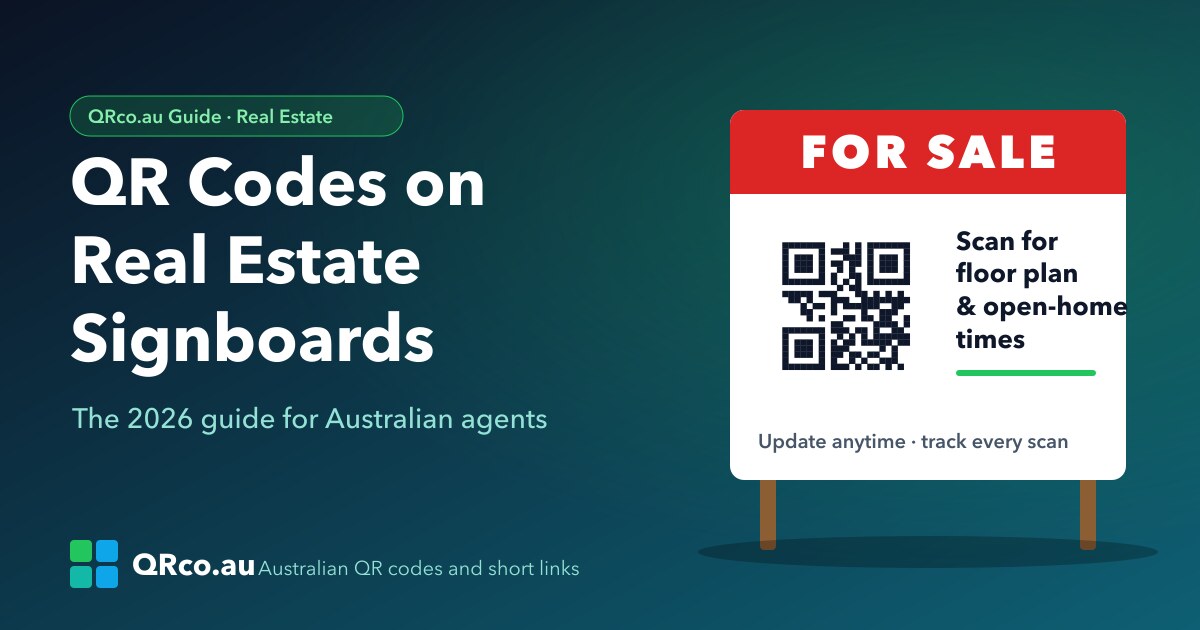
Put a QR code on your For Sale board that you can update after printing, track by suburb, and turn scans into buyer enquiries. A practical guide for agents.
A buyer slows down outside your listing on a Saturday afternoon. They're curious, but they're not going to call. If your signboard has the right QR code, they don't have to. One scan and they're looking at photos, the floor plan and the next open home, and you know they were there.
Here's how Australian agents can get real value from QR codes on signboards in 2026, without reprinting boards every time something changes.
Why signboards and QR codes work well together
- Buyers browse on the move. Drive-bys and walk-pasts happen when the office is closed. A scan captures interest at that moment.
- Boards stay up for weeks. Prices, open-home times and campaign pages change. The board doesn't have to.
- Signboards are hard to measure. Without a trackable code, you can't tell which boards actually bring in enquiries.
Use a dynamic QR code, not a static one
A static QR code is fixed forever to the link it was printed with. If the listing URL changes, the property sells, or the portal link breaks, every board you printed points to the wrong place.
A dynamic QR code points to a short link you control. You can change where it goes at any time without reprinting, and every scan is counted.
Where to send buyers after the scan
- The listing itself: photos, floor plan and price guide.
- Open-home times: with an "add to calendar" or "register to attend" option.
- A quick enquiry form: name, phone, and "I'd like the contract" or "Call me back".
- After the sale: recent sales in the suburb, or an appraisal offer for neighbours.
With a QRco PRO Smart Page, you can put all of this on one mobile page: call button, enquiry form, gallery and service area, without building a website.
Measure which boards work
Give each board its own code, and name it clearly (for example "12 Smith St Oran Park – board"). Scan analytics then show you:
- how many people scanned each board
- which days and times get the most scans (great for planning open homes)
- which suburbs and listings attract the most curiosity
Add UTM parameters to your listing links so your website analytics show "signboard" as the source, separate from portal traffic.
Design checklist for signboard QR codes
- Size: big enough to scan from the footpath. Test from the distance a buyer would actually stand.
- Contrast: dark code on a light background, with a quiet margin around it.
- A call to action: "Scan for floor plan and open-home times" beats a bare code.
- Brand it: add your agency colours and logo, but keep the code readable.
- Test before printing: on both iPhone and Android, in daylight and at dusk.
Common mistakes
- Printing a static code linked to a portal listing that later disappears.
- Using one code for every board, so you can't tell which property drove the scan.
- Sending buyers to a desktop page that's hard to use on a phone.
- Forgetting to redirect the code after the sale, wasting weeks of passing traffic.
Get started
Create a dynamic QR code for your next listing in a few minutes. QRco.au is Australian-owned, billed in AUD, with local support.