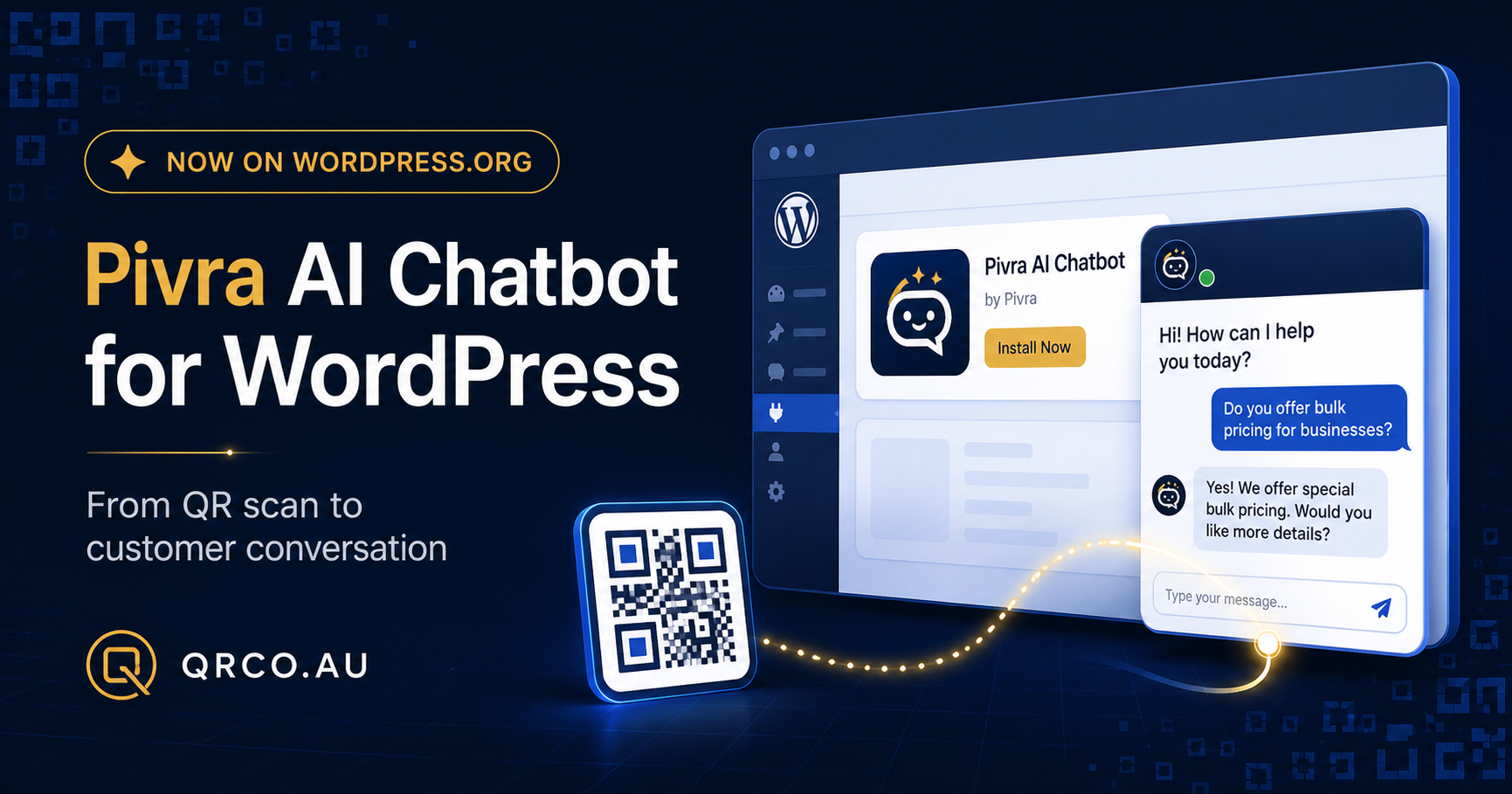
Install Pivra AI Chatbot from WordPress.org and turn QRCO campaign visitors into informed enquiries without editing theme files.
QR codes are excellent at moving someone from a physical sign, flyer, menu or product label to a website. The next challenge is helping that visitor find an answer or take action once they arrive.
Pivra AI Chatbot is now available through the official WordPress.org plugin directory. It gives WordPress businesses a straightforward way to add AI-powered customer support and lead capture without editing theme files or pasting account passwords into WordPress.
From QR scan to useful conversation
A QRCO dynamic QR code can send visitors to a WordPress landing page, campaign page, product guide or support page. Pivra can then help those visitors:
- understand a service or product
- find relevant pricing or availability information
- ask questions after business hours
- provide enquiry details
- move towards a booking, quote or support request
This creates a more useful journey than sending every scan to a static homepage and expecting the visitor to find the right information alone.
Install directly from WordPress
WordPress administrators can install the plugin in a few steps:
- Open Plugins → Add New Plugin.
- Search for Pivra AI Chatbot.
- Select Install Now, then activate it.
- Create and publish a chatbot in Pivra.
- Generate a single-use WordPress setup code.
- Paste the code under Settings → Pivra AI Chatbot.
The setup does not require theme editing or a Pivra account password. The plugin also reports installation health so the business can confirm that the connection remains active.
Practical QRCO and Pivra use cases
A retailer could place a dynamic QR code on product packaging and direct customers to a WordPress page where Pivra answers product or support questions.
A real-estate agency could add QR codes to signboards and brochures, directing prospects to property pages where they can ask questions or register interest.
Restaurants and hospitality venues could connect menu QR codes to pages that answer venue, booking, dietary or event questions.
Event organisers could place QR codes on signs and tickets, giving attendees an immediate way to access schedules, directions and support.
Because QRCO dynamic QR codes can be updated without reprinting the physical code, businesses can change the destination as campaigns evolve.
Available now
Pivra AI Chatbot 1.0.1 is available from the official WordPress.org plugin directory.
Businesses can combine QRCO’s dynamic QR codes and campaign analytics with Pivra’s website conversations and lead capture to create a more responsive journey from scan to enquiry.
Learn more at Pivra.ai or explore QRCO dynamic QR codes.