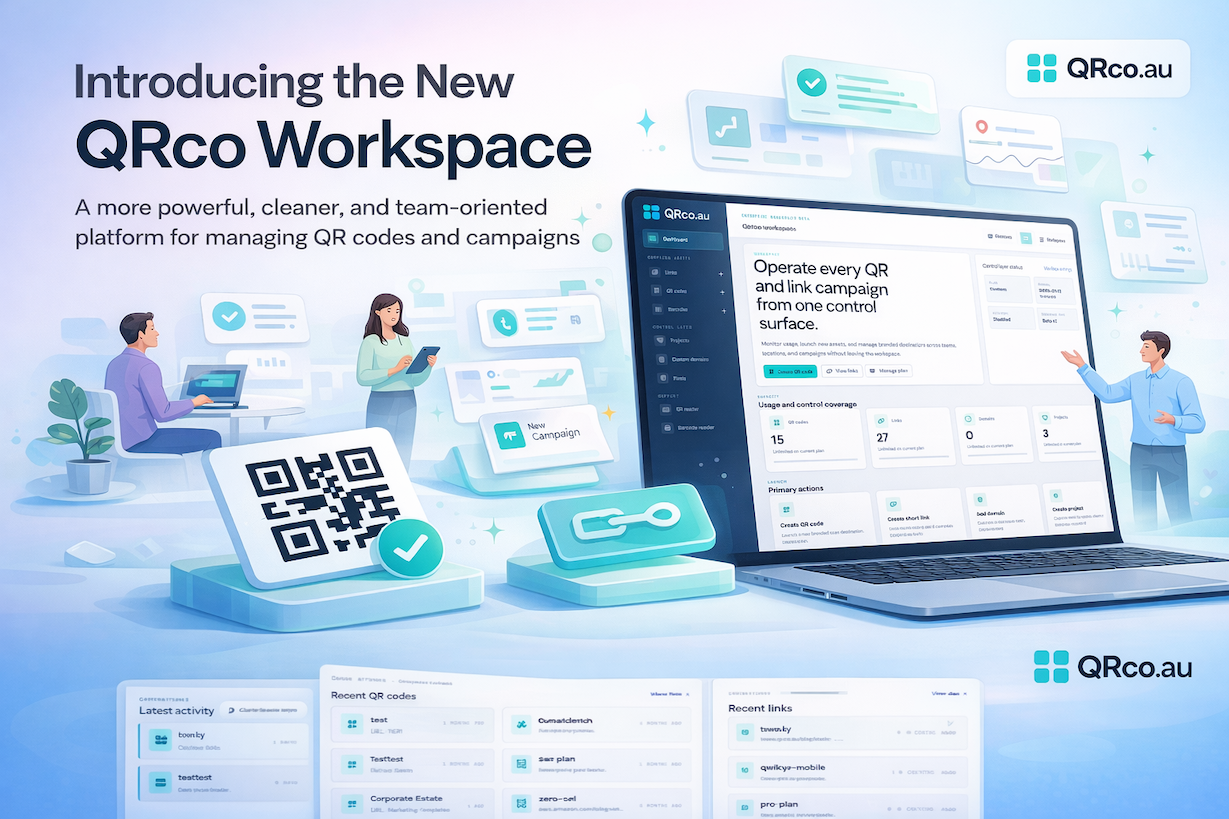
QRco has launched a new workspace with a cleaner dashboard, improved navigation, and better campaign visibility. Learn what changed and how to switch back to the classic layout if needed.
Introducing the New QRco Workspace
QRco is rolling out a new workspace experience designed to make the platform easier to use for teams managing QR codes, short links, projects, branded domains, and campaign analytics.
This update gives customers a cleaner dashboard, improved navigation, and a more modern interface without changing any account data, campaigns, QR codes, billing settings, or reporting history.
The goal is simple: make QRco easier to operate as your usage grows.
What’s new in the QRco workspace
The new QRco workspace introduces a more polished and structured logged-in experience. The design is cleaner, navigation is clearer, and the overall layout is better suited to teams managing multiple campaigns, brands, locations, or clients.
Key improvements include:
- A cleaner dashboard with better visibility across QR codes, links, domains, and projects
- A more structured workspace layout for faster navigation
- Improved spacing, readability, and visual hierarchy across the logged-in experience
- A stronger foundation for future improvements to campaign management, reporting, and asset creation
This workspace refresh is part of a broader effort to position QRco as a more powerful platform for branded QR and link operations, not just a one-off generator.
What has not changed
This update does not change your data or how the platform works underneath.
Your existing QR codes, dynamic links, projects, domains, analytics, billing details, and account settings remain the same.
This is a workspace interface update, not a migration.
How to switch back to the old QRco design
If you prefer the previous layout, you can switch back to the classic workspace at any time.
To disable the new workspace:
- Log in to your QRco account
- Open Account Preferences
- Find the Workspace experience section
- Turn off “Enable the new workspace layout”
- Save your changes
You can also turn the new workspace back on later if you want to try it again.
Why QRco introduced a new workspace
As more businesses use QRco across industries like real estate, education, healthcare, retail, hospitality, and internal operations, the logged-in product needs to support more complex workflows.
That means the platform has to do more than let users generate a QR code. It needs to help teams manage branded destinations, organize campaigns, measure performance, and work across multiple touchpoints with less friction.
The new QRco workspace is built to support that next stage.
What’s next
This rollout is only the beginning. QRco will continue improving the logged-in experience across dashboards, QR creation flows, list pages, and team-based workflows.
We’ll keep refining the workspace based on customer feedback and real usage patterns.
If you have feedback on the new design, we’d like to hear it.
Thanks for using QRco.